Use the Hub for network-wide visibility, or an Agent to see which application made a connection on your own computer. Each works on its own; you can combine them later. Only connection metadata is collected, never packet contents.
Whole network
EgressView Hub
Collects from devices behind Yamaha RTX or Cisco IOS routers and combines opt-in Agent observations. TVs and IoT devices are included.
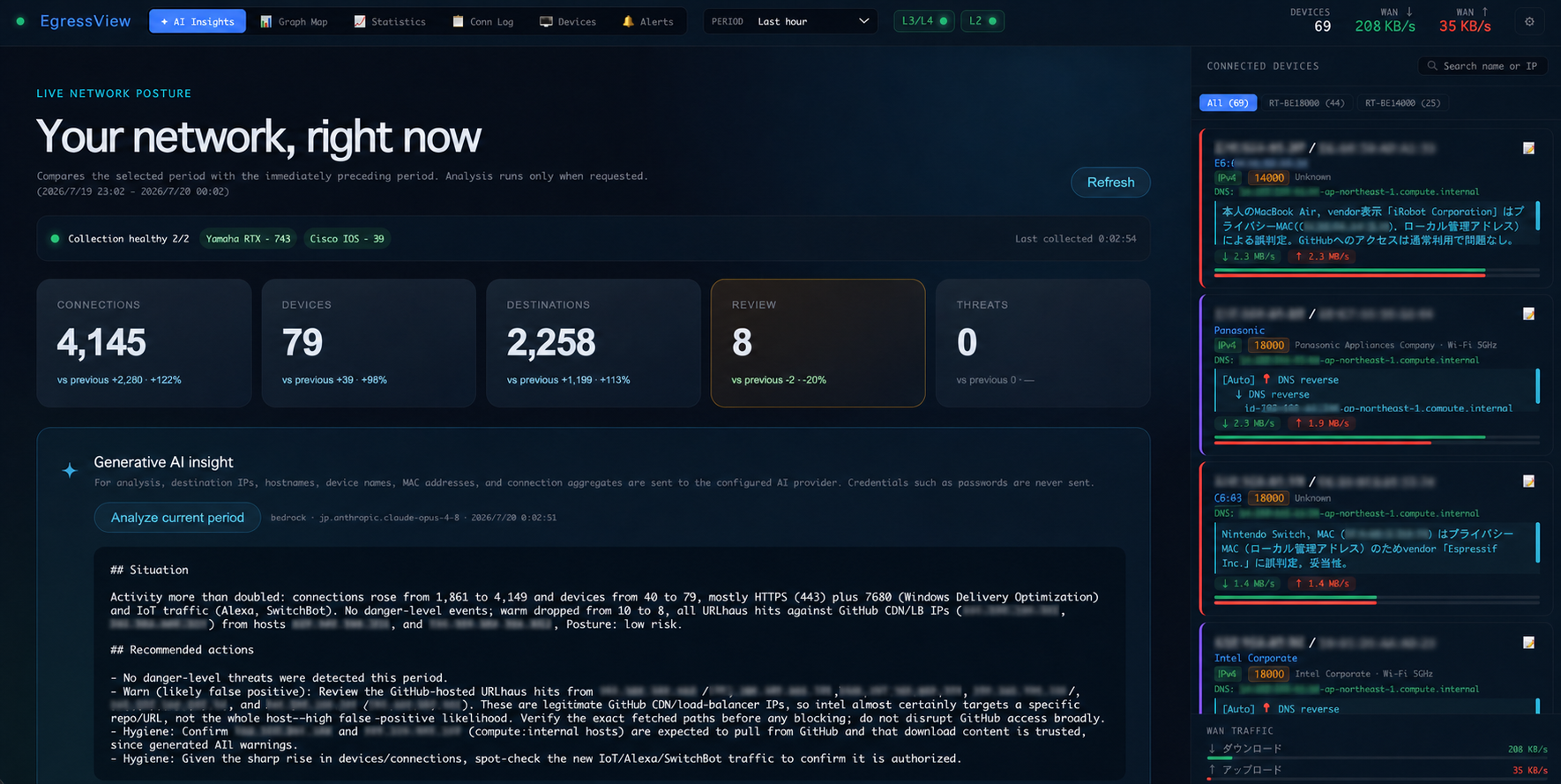
Needs Node.js 22+. Router collection needs a supported router and SSH; Agent-only intake needs no router.
Set up the Hub
This Mac
EgressView Agent for Mac
Records this Mac's outbound connections locally with application, destination, and byte count. Hub delivery is optional.
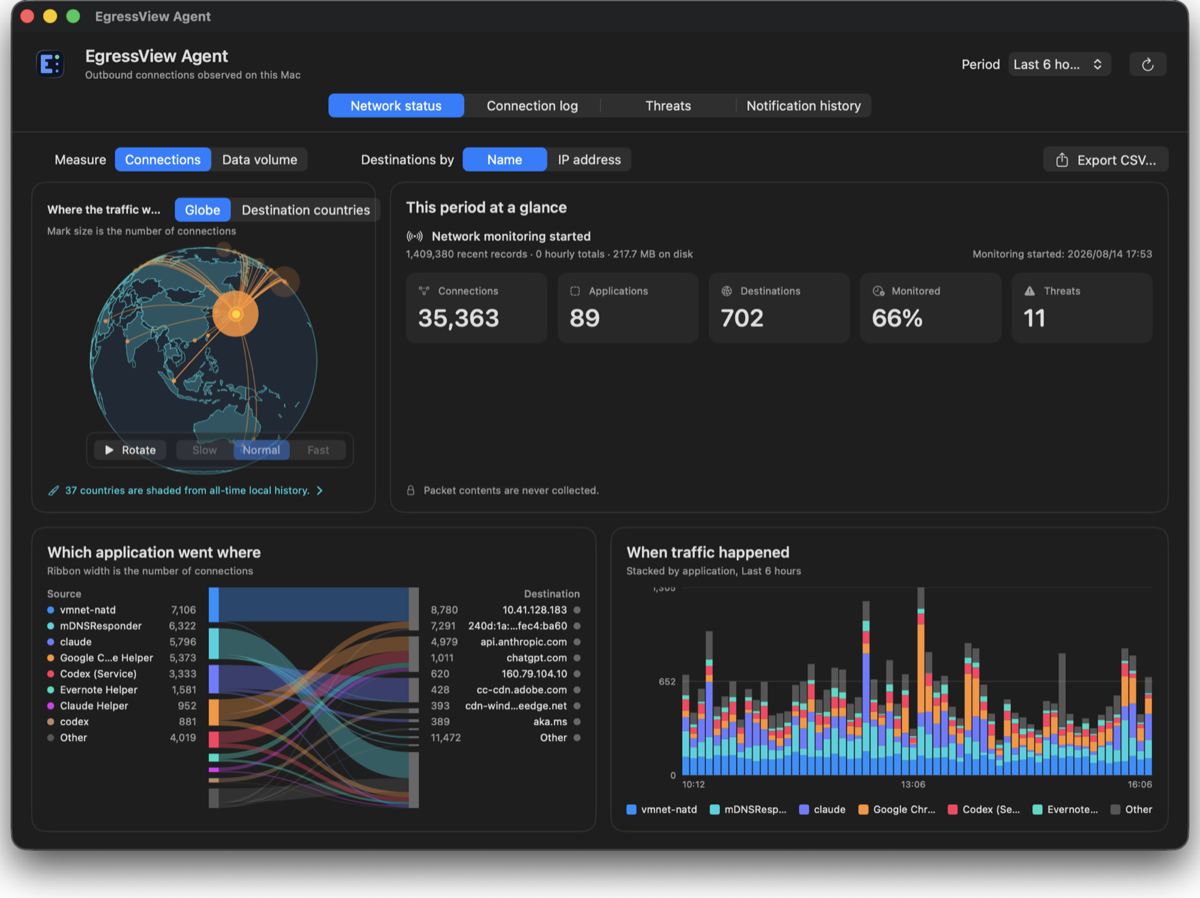
Needs an Apple silicon Mac with macOS 13+. Network monitoring approval is required during setup.
Get the Mac Agent
This Windows PC
EgressView Agent for Windows
Records this PC's outbound connections by application locally. Hub delivery is optional.
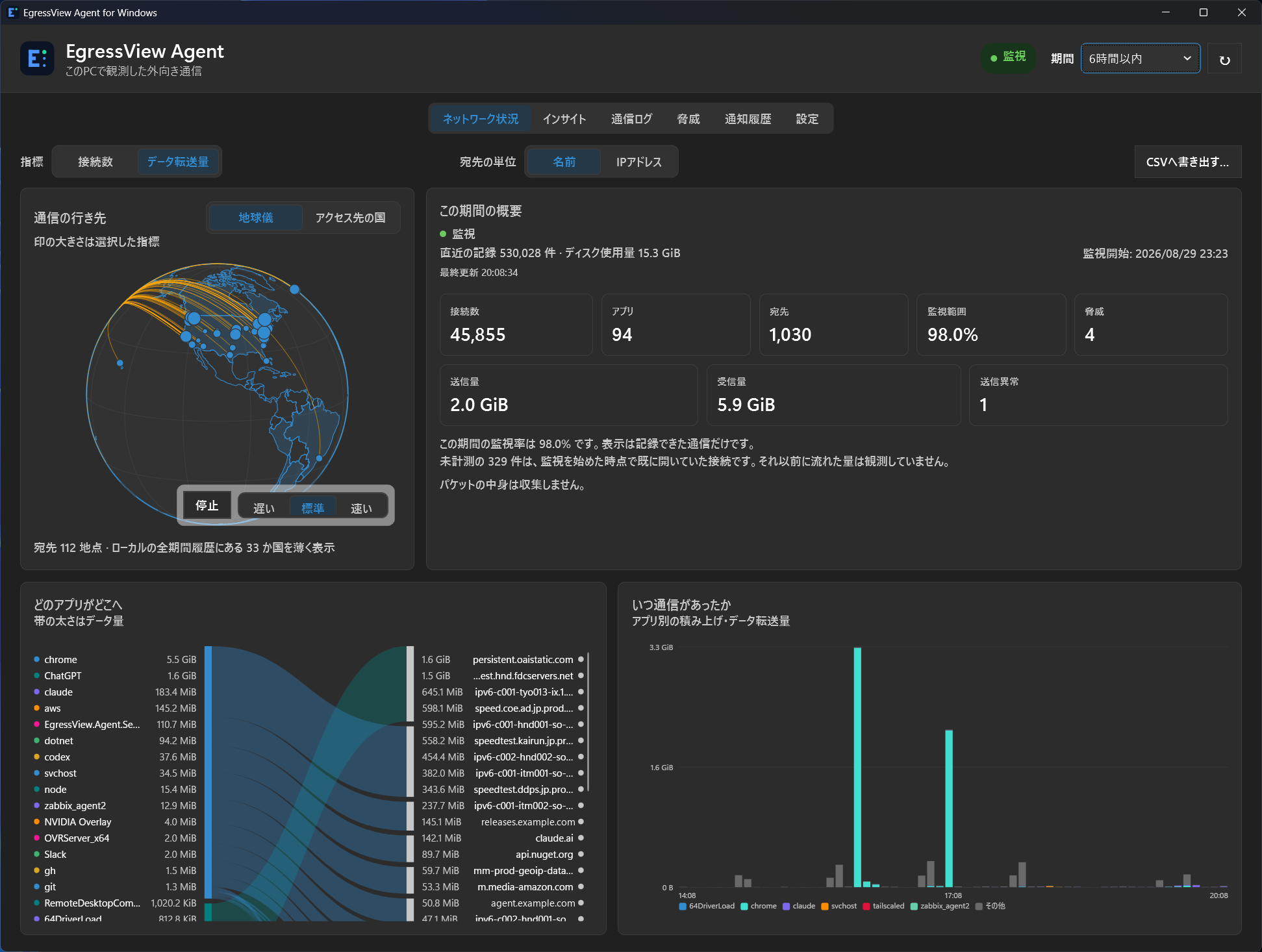
Needs Windows 10+. The current MSI is unsigned; verify its checksum with the download-page instructions.
Get the Windows Agent
 EgressView
Back to home
EgressView
Back to home